
Your Algorithm on Instagram and Facebook: How Topic Controls Change Reach in 2026

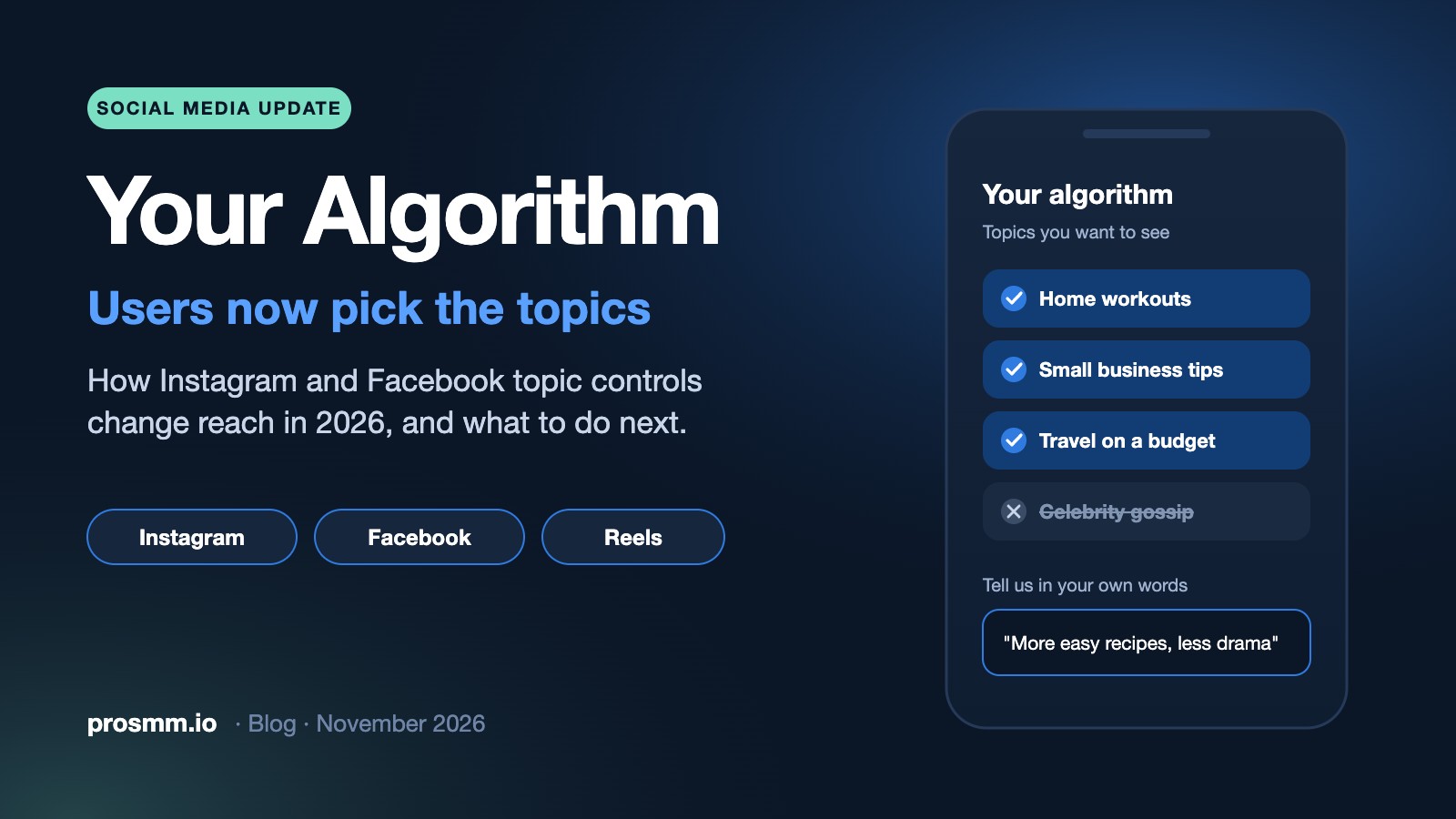
For years, growing on Instagram and Facebook meant guessing what a black-box algorithm wanted. That is quietly changing. Both apps now have a screen called Your Algorithm where people pick, by name, the topics they want more of and the ones they want gone. On Facebook they can even type it in their own words. When viewers choose topics, the posts that win are the ones the system can file under a topic without guessing.
This guide explains what rolled out and when, how a post now gets matched to the right people, and a short checklist to adapt your content this month. It is written for creators, brands and anyone who buys or sells social media growth.
The short version
- Instagram's Your Algorithm now covers Reels, Explore and the main feed. Facebook added its own version for Feed and Reels on October 13, 2026.
- Viewers pick topics by name, so a post needs to be clearly about one thing.
- Say the topic in words: caption, on-screen text and the first spoken line.
- A "Not interested" tap can now come with a written reason, so misleading hooks cost more than before.
- Engagement still decides how far a matched post travels: watch time, likes and shares relative to reach.
What rolled out, and when

This didn't happen in one big update. Meta shipped it piece by piece over a year:
| Date | Change | Where |
|---|---|---|
| Dec 10, 2025 | Instagram launches Your Algorithm for Reels in the US: see the topics it thinks you like, add or remove them | Instagram Reels |
| Early 2026 | Reels controls expand to all English-speaking users | Instagram Reels |
| April 2026 | The same controls reach the Explore tab | Instagram Explore |
| June 10, 2026 | Your Algorithm is announced for the main feed, making it one system across Feed, Reels and Explore | Instagram Feed |
| Oct 13, 2026 | Facebook launches Your algorithm with AI: people describe in their own words what they want more or less of | Facebook Feed and Reels |
TikTok has offered something similar since 2024 with its Manage Topics sliders, so this is now the norm on the biggest short-video feeds, not an experiment.
How a post finds its viewer now
From a topic someone picked to your post on their screen
1 · THE VIEWER
Picks topics like "home workouts" or types "less celebrity news"
2 · YOUR POST
Caption, on-screen text, speech and audio tell the system what it is about
3 · THE MATCH
Clear posts are filed under a topic; vague ones get shown to fewer people
4 · THE TEST
Watch time, likes and shares decide whether it keeps spreading
Your Algorithm changes step 1. Steps 2 to 4 are where you have control.
1. One post, one topic
When people choose "home workouts" from a list, the system needs posts it can confidently call "home workouts." A Reel that starts as a workout, turns into a supplement review and ends with a joke about your cat is hard to file anywhere.

- Decide the topic before you film. If you can't say it in three words, split it into two posts.
- Keep your account focused. Instagram favours accounts with a clear theme; profiles that jump between unrelated subjects tend to lose visibility.
- Use series instead of mixing. Instagram stopped letting creators link Reels into a series on October 28, 2026, so put "Part 2" in the on-screen text and pin Part 1 to your grid.
2. Say the topic in words
Facebook's version reads natural language, and Instagram's topics are named. Your post should use the same plain words a viewer would pick or type.
- Caption: put the topic in the first line, the way people search ("15-minute home workout, no equipment"), not only in hashtags.
- On-screen text: show the topic in the first two seconds.
- Speech: say it out loud early. Many people watch muted, and the system can read both text and speech.
3. "Not interested" now has a reason attached
On Facebook, a "Not interested" tap can be followed by a short written explanation of what someone wants less of. That is a much stronger signal than a quick scroll past.
What this means in practice
Clickbait hooks that don't deliver now teach the system to show you to fewer people like that viewer. Promise in the first second exactly what the post delivers.
4. Engagement still decides the reach
Topic controls decide who is eligible to see your post. How far it travels inside that group still depends on how people react. Industry trackers point to the same signals as before: watch time, likes per reach and sends per reach, with shares mattering most for reaching non-followers.

That is also why the first impression matters. A new post with no views or likes looks untested to a real person deciding whether to watch. Plenty of brands give new posts a modest start so the first visitors see some activity, and then let the content do the rest. If you do it, keep the numbers in proportion to each other and never let them replace a clear, useful post.
Other updates worth knowing this month
- Longer videos on Instagram. Instagram is testing Features, horizontal videos up to 90 minutes such as podcasts and interviews. The test began in Brazil and is expanding to select US creators.
- Amazon links in Reels. Since November 16, eligible creators with an Amazon Influencer account can add Amazon affiliate links to Reels and feed posts, up to 30 per Reel, and Instagram takes no share of the commission.
- Tagged posts on your grid. You can now add posts you're tagged in to your own profile grid, which makes customer and collaborator content easier to show off.
A one-week checklist
Day 1
Write your account's main topic in three words and check your last 9 posts against it.
Day 2
Open Your Algorithm on your own app and see which topics it lists for you. Do they match your niche?
Days 3–5
Publish three posts with the topic in the caption's first line, on screen and spoken in the first seconds.
Days 6–7
Compare reach from non-followers and shares with your older posts. Keep what moved.
Services that help a new post get started
If you want your posts to look active from the first minute, these are the Instagram services ProSMM customers use most:
ID 4689Instagram Video ViewsReels and videos, all links→ ID 4982Instagram Likes, HQ accountsinstant start, 30-day refill→ ID 5058Instagram Sharesinstant start→New to ProSMM? The step-by-step ordering guide walks you through your first order, or browse the full service list.
Frequently asked questions
Where do I find Your Algorithm on Instagram?
Look for the control icon at the top of the Reels tab or in your content preferences in Settings. The location has moved during the rollout, so it may differ slightly on your phone.
Can I add my account to someone's chosen topics?
No. Viewers pick topics, not accounts. What you control is how clearly each post signals its topic.
Do hashtags still matter?
They help a little, but plain words in the caption, on screen and in speech carry more weight now that people describe topics in natural language.
Is this available in every language?
Instagram's controls started in English and Meta has said other languages come next. Facebook's version is rolling out without a public country-by-country timeline.
Keep reading
Sources: Meta Newsroom, Your Algorithm on Facebook (Oct 13, 2026); TechCrunch; Social Media Today; Metricool Instagram news log; Emplifi social media updates.
Give your next post a strong start
Create a free account and add views, likes or shares to your Instagram posts in minutes.
We run the servers behind ProSMM and write about what we see every day: how orders behave, what drops and what lasts.